
CASE STUDY 6
concept work | the fusion of beauty photography and AI generated jewellery
These images have been kindly provided by international fashion and beauty photographer Ava Pivot.
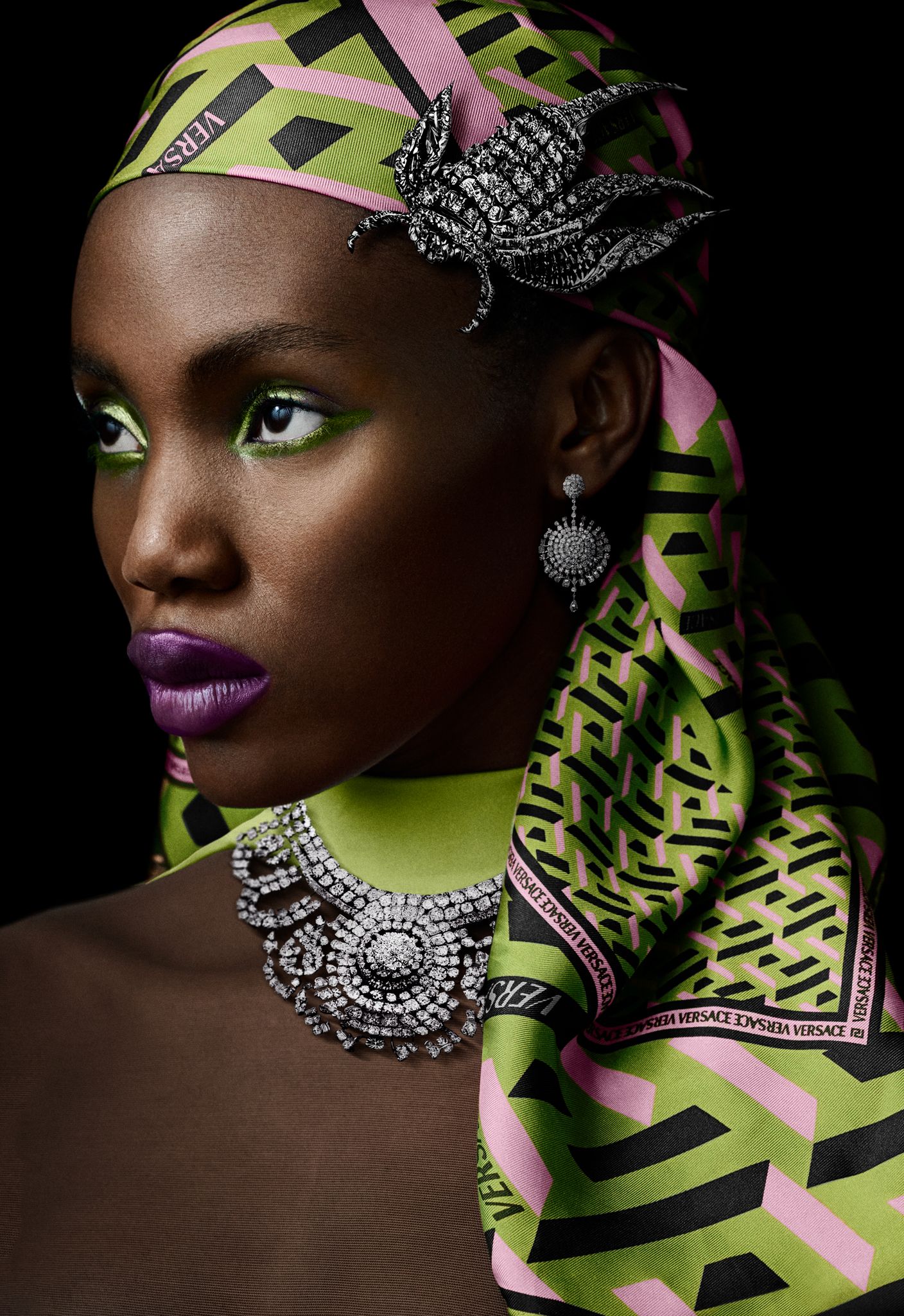
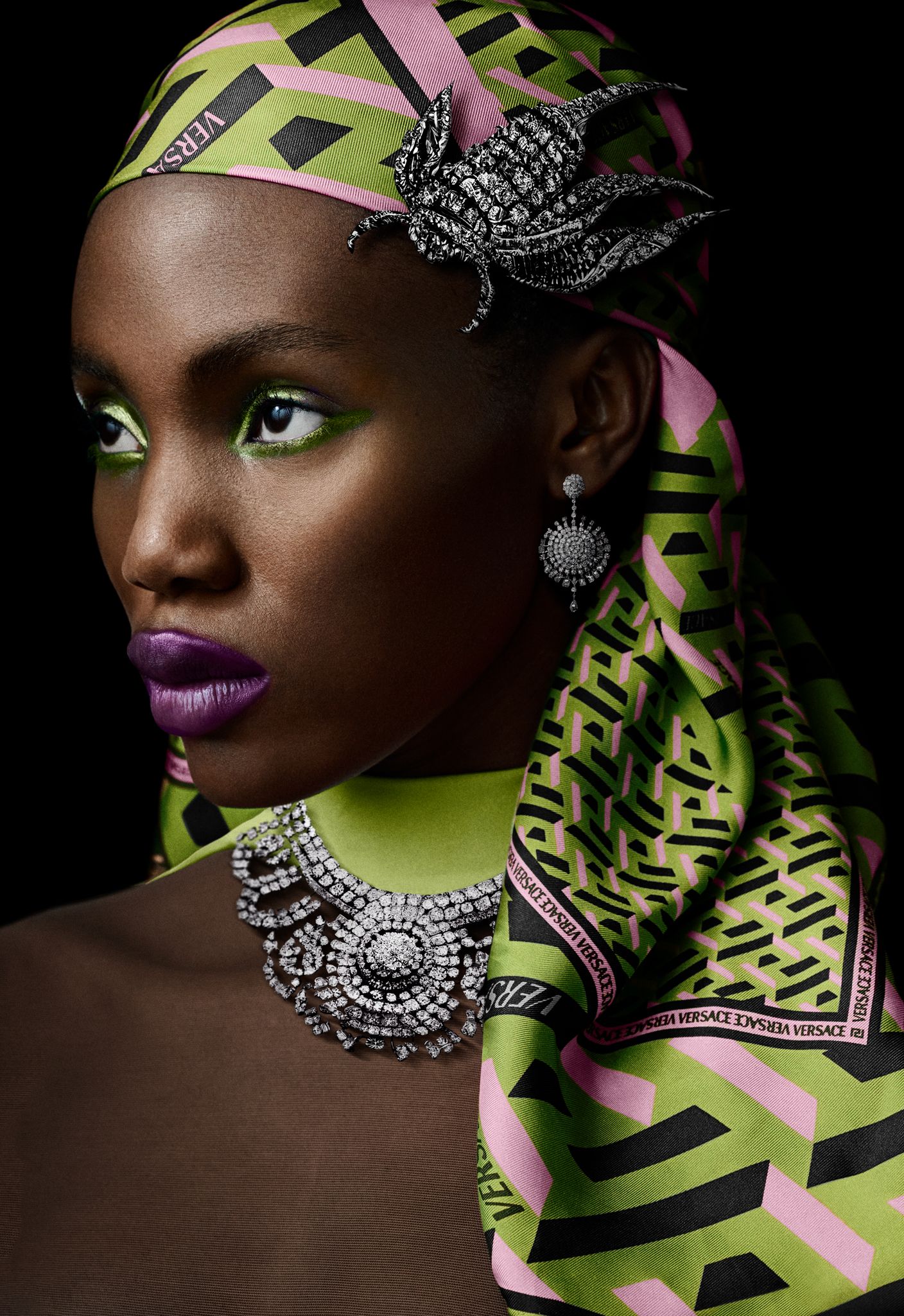
final image
general idea / briefing
At photopia in Hamburg in October 2022, beauty and fashion photographer Ava Pivot and I shot a beauty series during our Dedo Lights session that we hadn't seen anywhere at that time. Midjourney was just getting onto the radar of creatives, with plenty of buzz about whether it would threaten photography, retouching and the creation of beauty images. We decided to embark on a journey full of curiosity, seeing Midjourney as another tool in our stack, and to go with the flow.
We love new, unknown territory. That is why we challenged the whole team and, for the first time, used AI generated jewellery that we created in countless hours of playing with Midjourney.
So our October was full of late-night rendering and retouching sessions, with Ava and me connected via screen sharing, bouncing ideas and possibilities. The result: 8 unique beauty portraits of our wonderful model Esther, wearing jewellery, headpieces, earrings and necklaces that don't actually exist.
first step - starting from the pre-retouched image
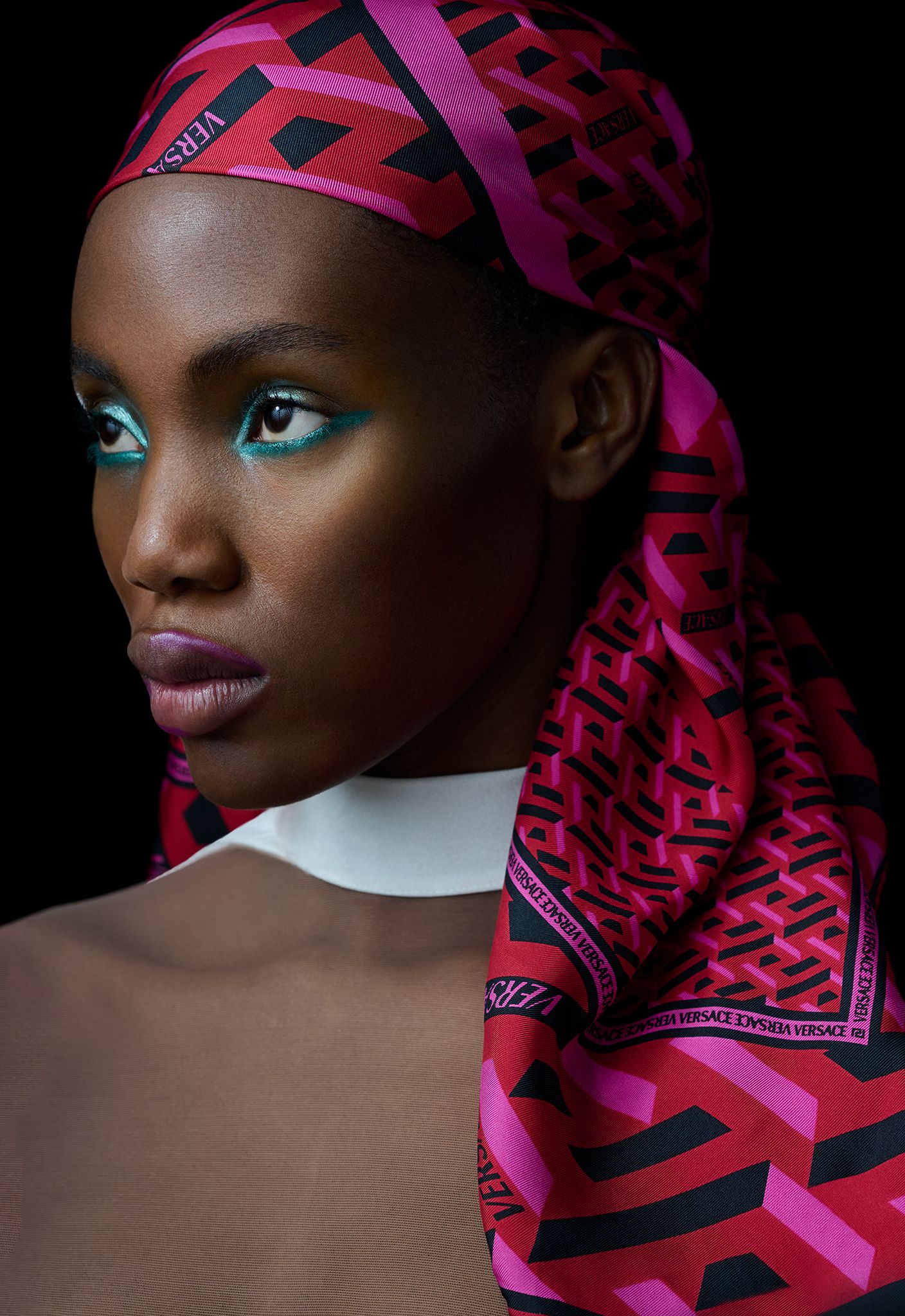
This is the already retouched base image, ready for changing colors, matching harmonies and integrating the AI generated jewellery.
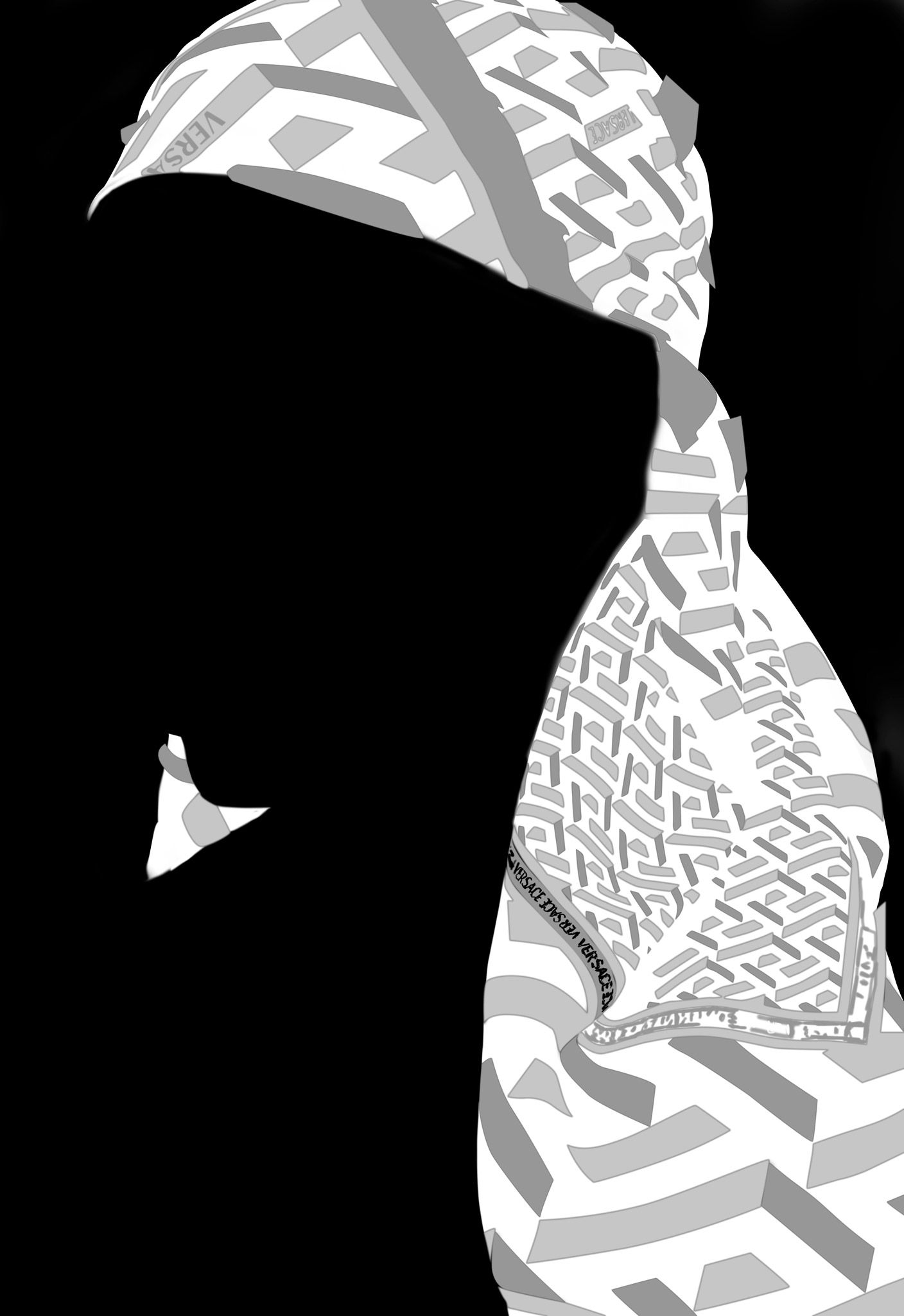
second step - changing the color of the hair band
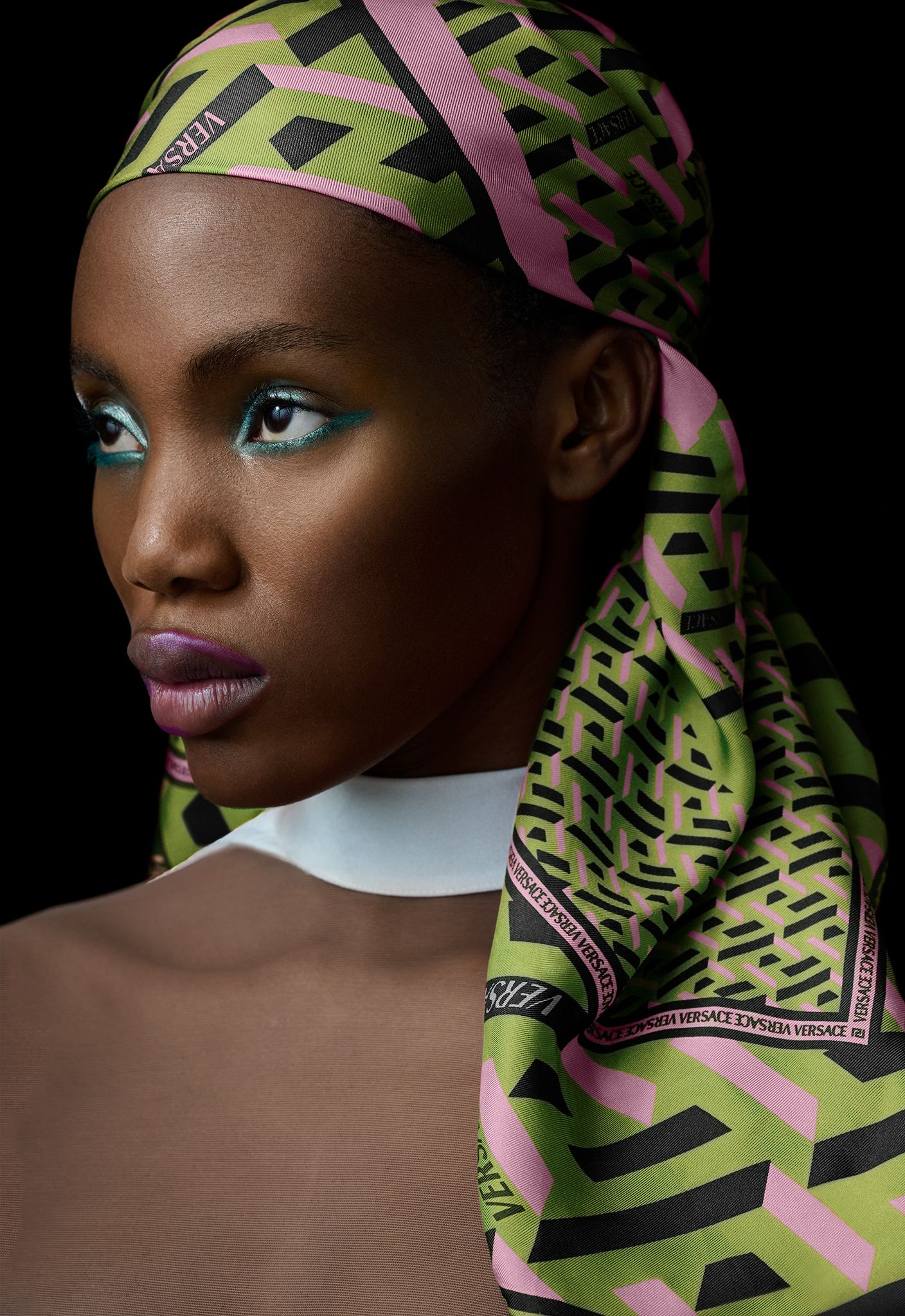
Using very precise masks, I changed the colors of the hair band to create a different version that we didn't have on set. This is what the mask looks like.
third step - animated process of integrating the AI generated jewellery
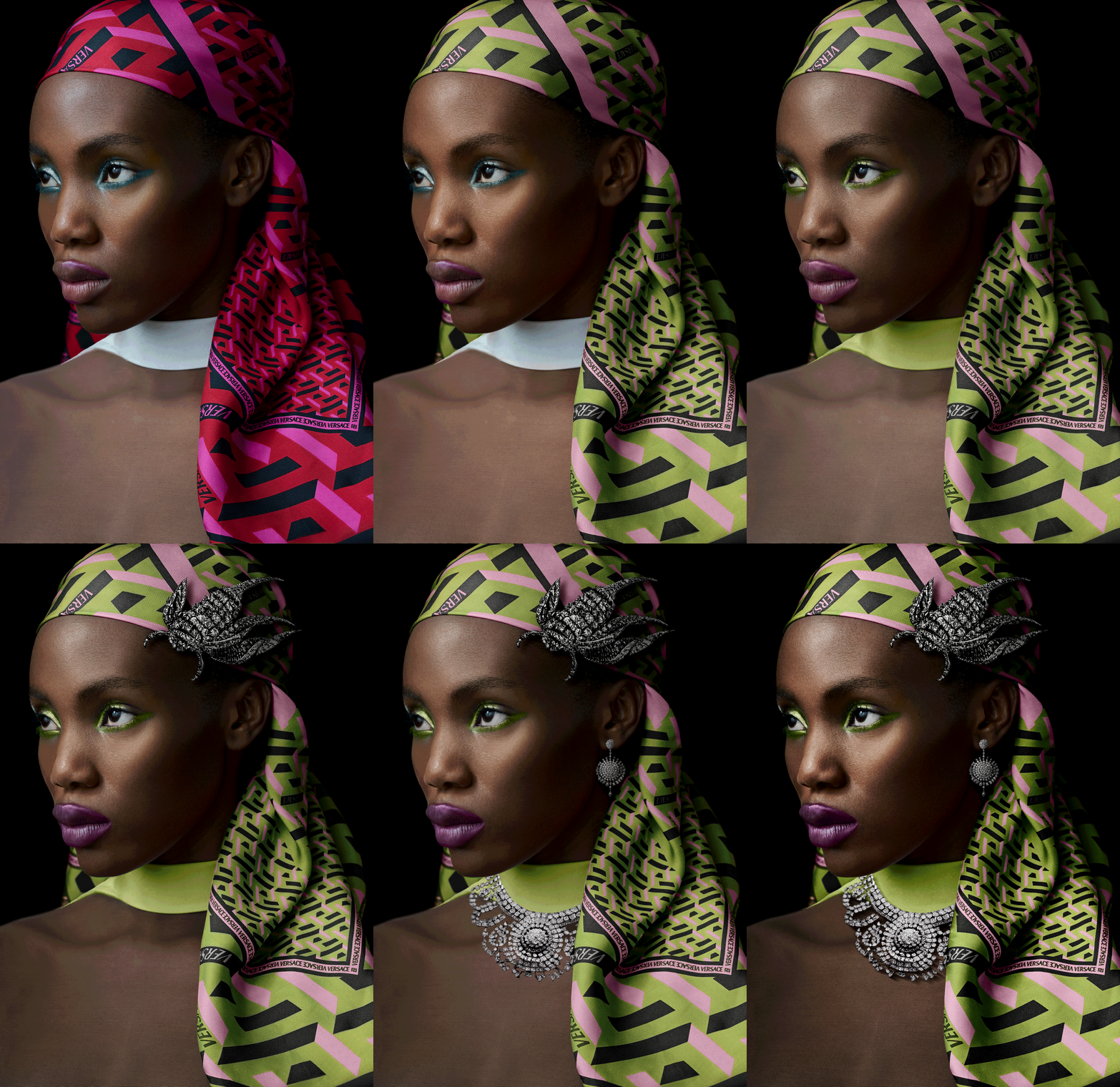
Here is the animated process of my retouch and the integration of all AI generated jewellery.
fourth step - applying a grain pattern to finish the image

To give the final image a natural, convincing look and feel, I add a very subtle and flexible grain layer that adapts automatically to any format change or crop. I use my own grain patterns on individual adjustment layers, extracted from original analogue film.
final image
a similar project in mind?
Let's talk: mail@janwischermann.de